 MacTidy
 guide
Securely delete Mac files when recovery should not be possible
Secure deletion is for files you intentionally want gone. It needs stronger warnings because it removes the safety net that ordinary Trash provides.
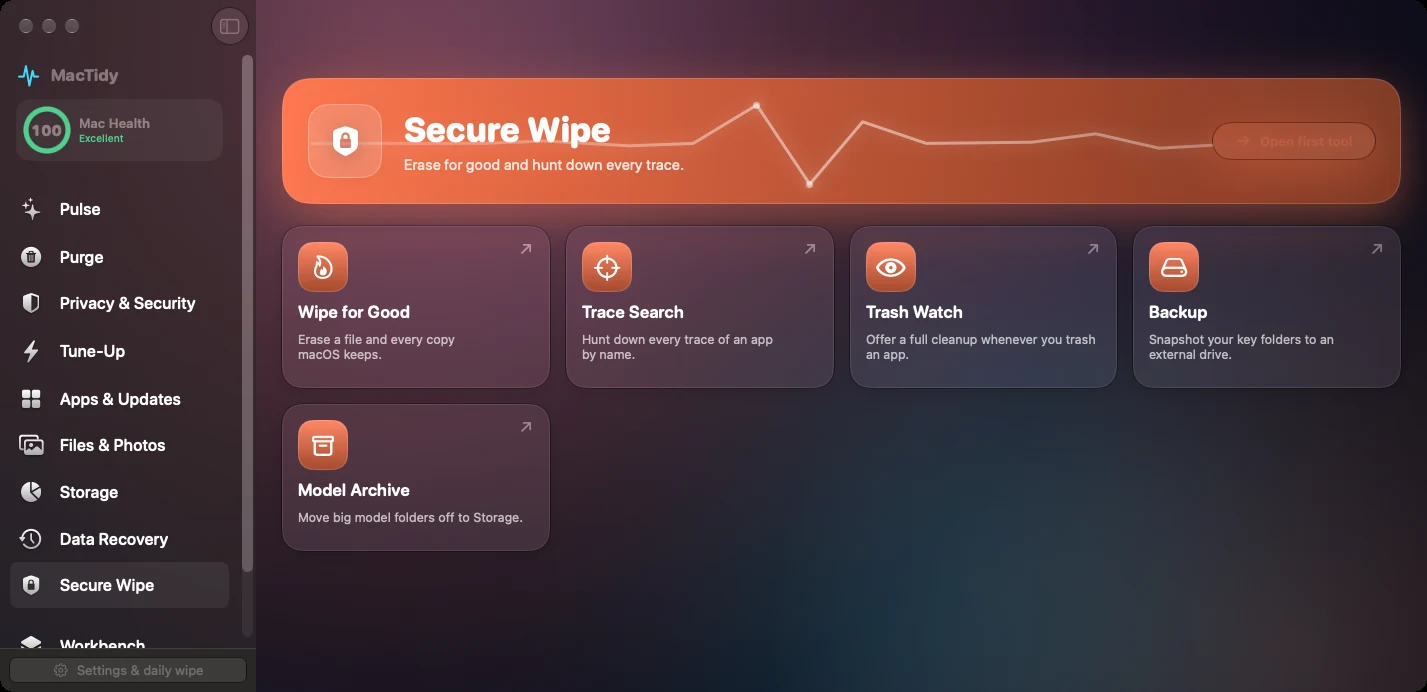
Delete is not always erase
Moving a file to Trash removes it from normal view, but recovery may still be possible depending on the drive. Secure wipe exists for the smaller set of files you deliberately do not want recovered.
Why warnings matter
Secure wipe is different from cleanup. A cleaner should be forgiving; a secure wipe should be deliberate, clearly labelled, and hard to trigger by accident.
How MacTidy frames it
MacTidy separates secure wipe from normal cleanup so users do not confuse reclaiming space with permanently erasing data.
Understand SSDs, snapshots and other copies
Overwriting a file is not a reliable guarantee of erasure on an SSD. Flash storage can remap blocks, and APFS snapshots, backups or synchronized copies may retain older data. Treat the tool as destructive to the selected file while recognizing that it cannot prove every other copy has disappeared.
For a Mac you are selling or giving away, use Apple's device-level erase process on supported hardware. For ordinary use, enable FileVault and protect its recovery information. A file-level wipe is not a substitute for an encrypted drive, backup retention controls or a documented disposal process.
See Apple's disk-erasure guidance and the file recovery guide before choosing between recovery and erasure.
Review-first workflow
- Confirm the file is not needed.
- Back up anything nearby that matters.
- Use secure wipe only for deliberate permanent deletion.
- Do not use it as routine cleanup.
FAQ
Common questions
What is secure delete on a Mac?
Secure delete attempts to make selected files unrecoverable rather than simply moving them to Trash.
Is secure wipe safe for everyday cleanup?
No. It is intentionally permanent. Use ordinary cleanup for routine space recovery.
Can secure delete be undone?
You should treat secure delete as irreversible.
Why did Apple remove secure empty trash?
Modern SSDs, encryption and storage behavior changed how reliable old overwrite methods could be. Use current tools carefully and keep encryption enabled.