 MacTidy
Guide / Mac malware scan
How to run a Mac malware scan without handing over your files
Understand Mac malware scans, XProtect, persistence checks, known hash databases, and what MacTidy can and cannot detect.
Sources checked: Apple malware protections, Malwarebytes for Mac, and MacTidy features.
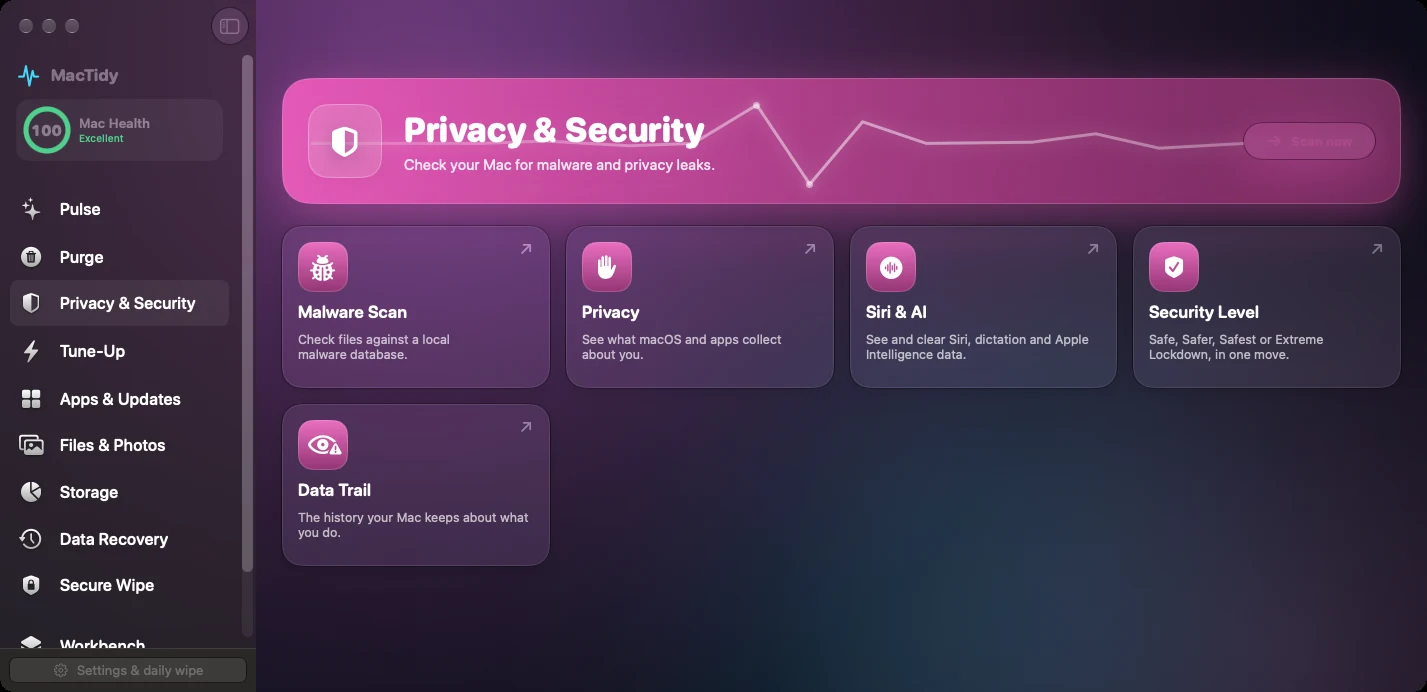
A Mac malware scan should answer two different questions. First, does a file match a known malicious sample? Second, is something persistent, unsigned, oddly located, or otherwise worth reviewing? macOS already includes layers such as Gatekeeper, notarization, XProtect, and malware remediation. A third-party scan should add visibility without pretending it replaces every built-in protection.
What Apple already does
Apple documents several macOS malware defenses. Gatekeeper checks downloaded apps before first launch. Notarization lets Apple scan software distributed outside the Mac App Store for known malicious content. XProtect uses signatures and rules to help block and remediate known malware. These protections are valuable, but they do not make user review pointless. People still install browser extensions, login items, launch agents, command-line tools, and unsigned utilities.
Run a practical malware review
Update macOS and your browsers first so built-in protections and app patches are current.
Review recently downloaded apps, installers, browser extensions, and login items.
Check launch agents, launch daemons, and background items you do not recognize.
Pay attention to unsigned apps, apps in unusual locations, and items that reappear after removal.
If a scanner flags a file, quarantine it by moving it out of service and investigate before deleting evidence you may need.
What MacTidy's scan can and cannot claim
MacTidy's malware feature is an on-demand local check. The source describes a downloadable malware hash database stored locally, a scan of persistence locations and recent downloads, SHA-256 hash checks, code-signature verification, and curated indicators for known macOS malware or adware families. The interface explains that a hash match proves the file matches a known sample in the local database, while signature checks help unknown or suspicious items stand out.
That is useful, but it is not the same as a full endpoint security suite. MacTidy should not claim broad automated antivirus coverage, real-time protection, ransomware rollback, or guaranteed malware removal. Malwarebytes and other dedicated security products compete on continuous protection and broader detection layers. MacTidy's strongest honest promise is reviewable visibility: known-hash matches, suspicious persistence, unsigned code, and local analysis without uploading your files.
What to do with a suspicious result
Do not panic-delete everything in the list. Read the path, developer name, signature result, and reason. Search the app name and bundle identifier. If it is a launch item, disable it and restart. If it is a downloaded installer you never used, move it to Trash. If the file belongs to work, a system extension, a VPN, backup software, or security software, verify before removal because those categories often run helpers by design.
For a second opinion, compare the result with macOS warnings, browser download history, and the vendor's official site. A real incident may also require changing passwords from a clean device and reviewing browser extensions, not just removing one file. If the same helper returns after removal, treat persistence as the signal and investigate the launcher that recreates it.
Privacy note. MacTidy downloads public hash data, but product source describes file checks as local. Say "your files are not uploaded," not "the app never uses the network."
Related guides
Pair malware review with Mac security settings and privacy permission cleanup. If a suspicious app was installed recently, use uninstall Mac apps to inspect leftovers.
FAQ
Does a Mac need malware scanning?
macOS has strong built-in protections, but reviewing downloads, launch items, signatures, and known-hash matches can still catch unwanted or suspicious software.
Does MacTidy provide real-time antivirus?
No. MacTidy's current evidence supports on-demand local scanning, hash matches, signature checks, and suspicious item review.
What does a hash match mean?
It means the file's SHA-256 hash matches a known sample in the local database. That is stronger evidence than a vague name match.
Should I delete every unsigned app?
No. Some legitimate tools are unsigned or locally built. Treat unsigned code as a reason to review the path, source, and behavior.