 MacTidy
Mac cleanup guides
Mac cleaner, malware scan and recovery guides
Practical, review-first guides for every service MacTidy offers: storage cleanup, app uninstalling, duplicate files, malware checks, privacy, security, tune-ups and secure wipe. The data recovery guide covers what you can try yourself.
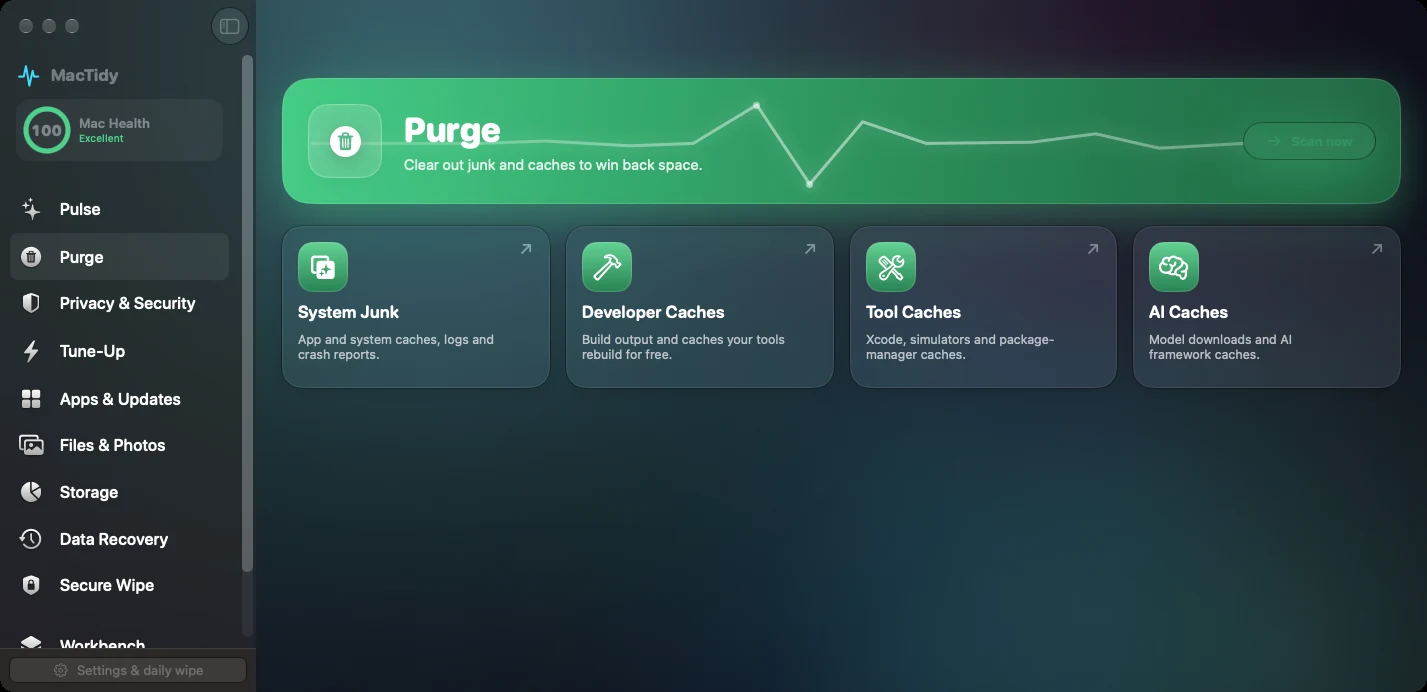 Mac disk cleanup
Clean up disk space on a Mac without deleting the wrong thing
Find large files, old installers, caches, duplicates, and leftovers with a review-first cleanup order.
Clear Mac cache
Clear Mac cache safely and know what rebuilds later
Learn which caches are routine, which ones cost rebuild time, and how MacTidy turns cache cleanup into a reviewable list.
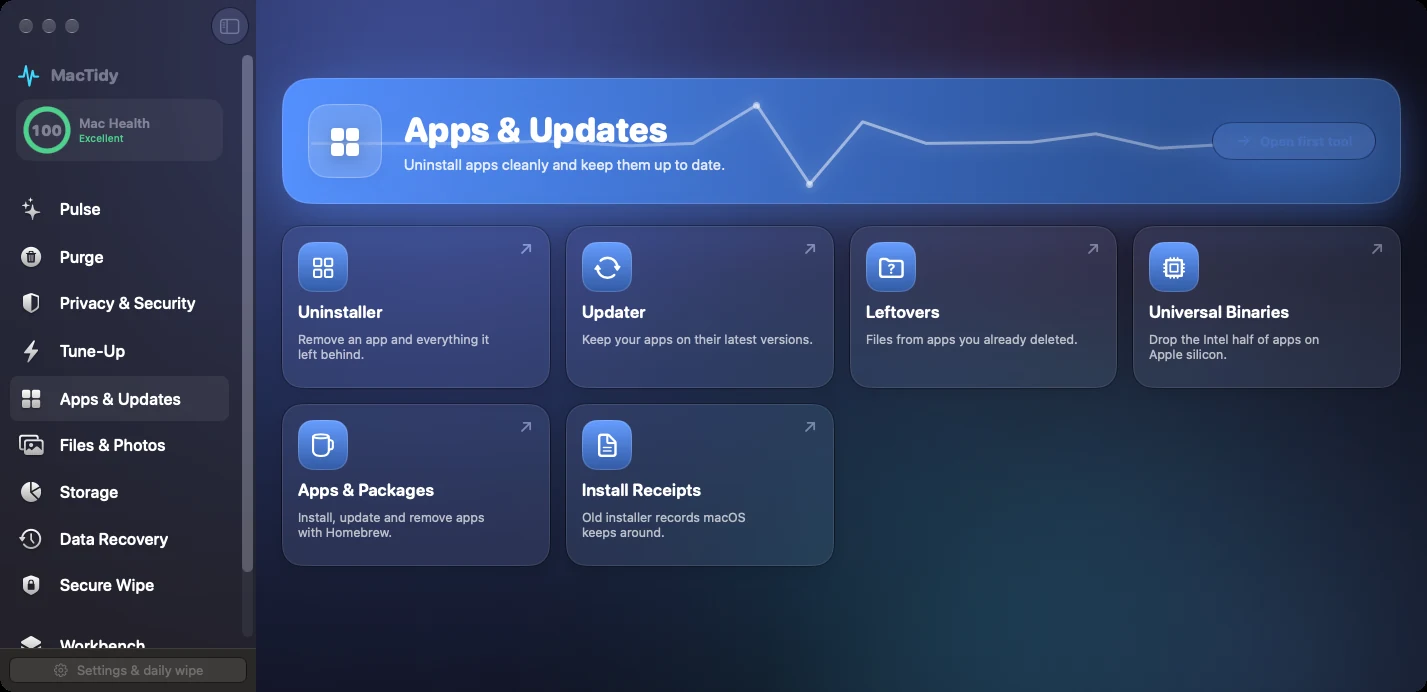 Uninstall Mac apps
 completely, leftovers included
Remove the app first, then inspect support files, login items, launch agents, receipts, and privacy traces before deleting leftovers.
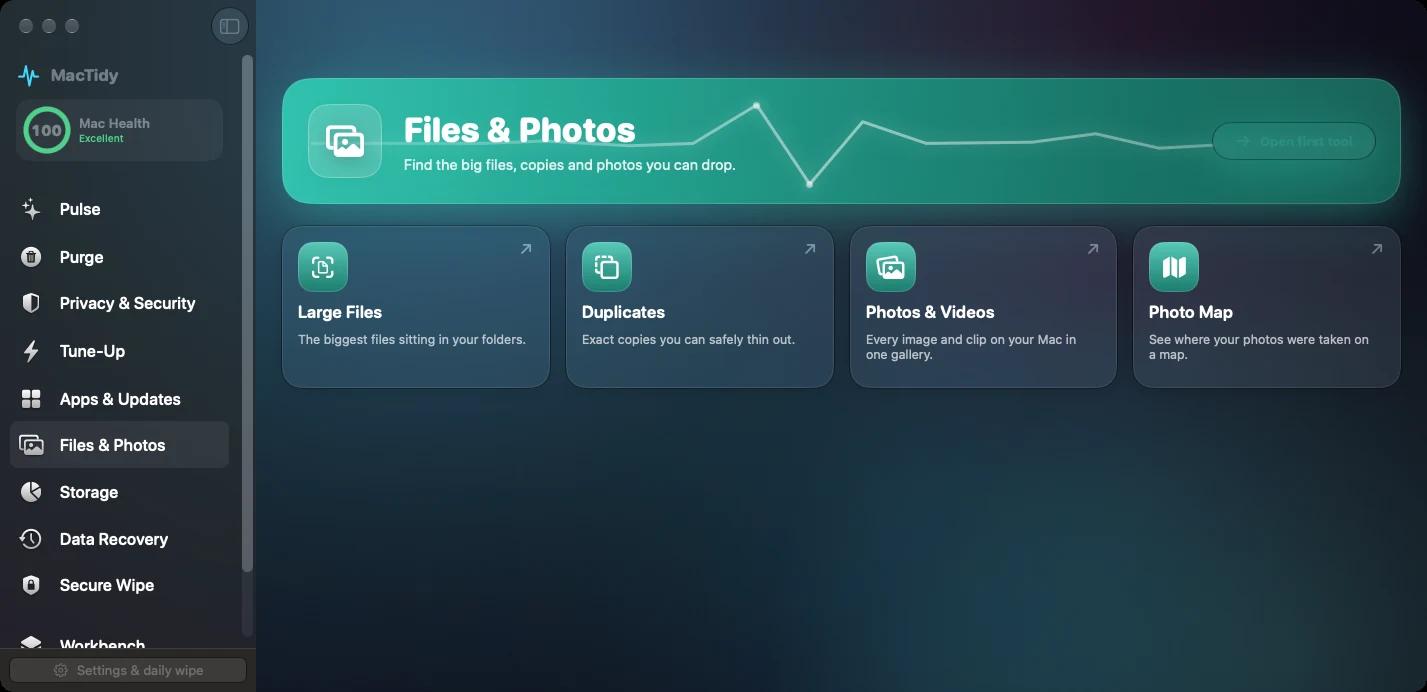 Duplicate file finder
Find duplicate files on a Mac without deleting the wrong copy
Use exact matches, path context, and careful previewing to remove duplicate downloads, archives, exports, and media safely.
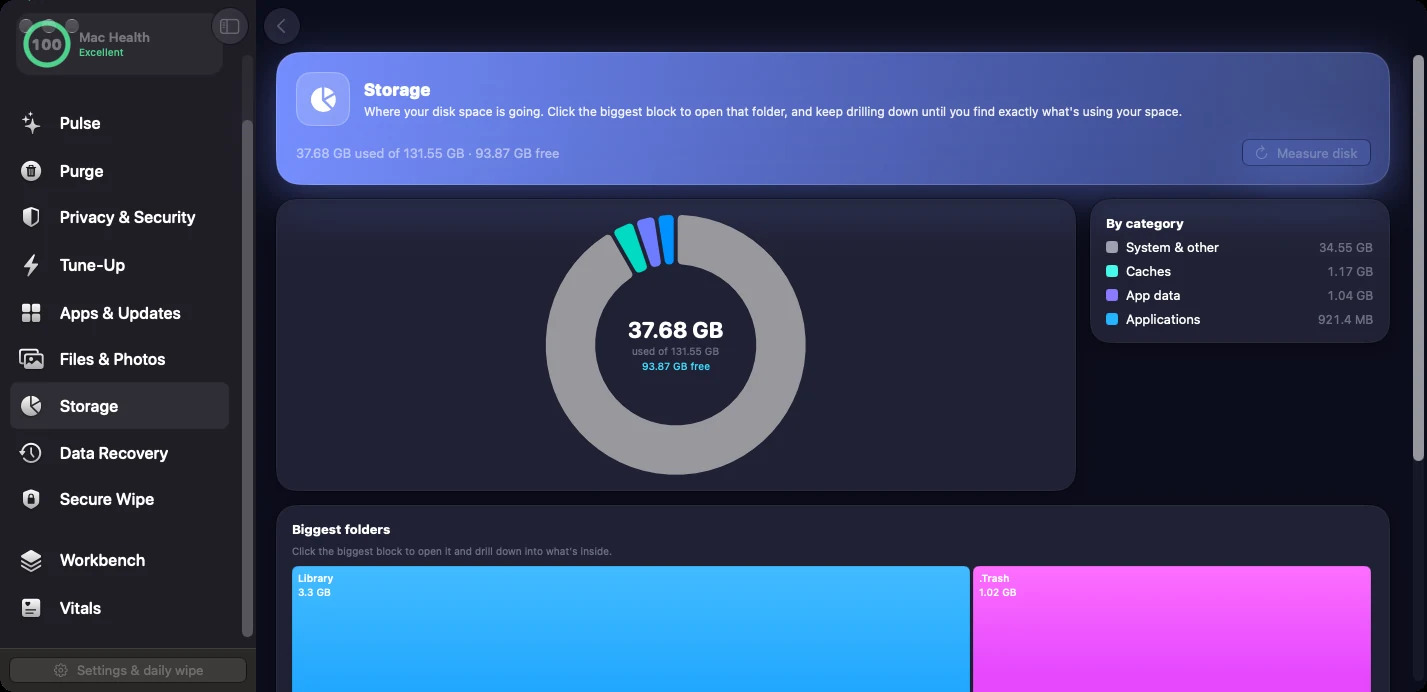 Storage analyzer
Find what is taking space on your Mac
Read storage categories, drill into large folders, and decide whether the space belongs to downloads, apps, developer tools, media, or caches.
 Mac malware scan
Run a practical Mac malware scan
Review known-hash matches, unsigned code, suspicious persistence, recent downloads, and launch items without claiming broad real-time antivirus coverage.
 Mac security settings
Harden Mac security settings without breaking your workflow
Check updates, FileVault, Gatekeeper, login items, privacy permissions, and stronger modes with clear tradeoffs.
Privacy permissions
Clean up Mac privacy permissions you forgot about
Review which apps can use camera, microphone, screen recording, accessibility, full disk access, files, photos, and location.
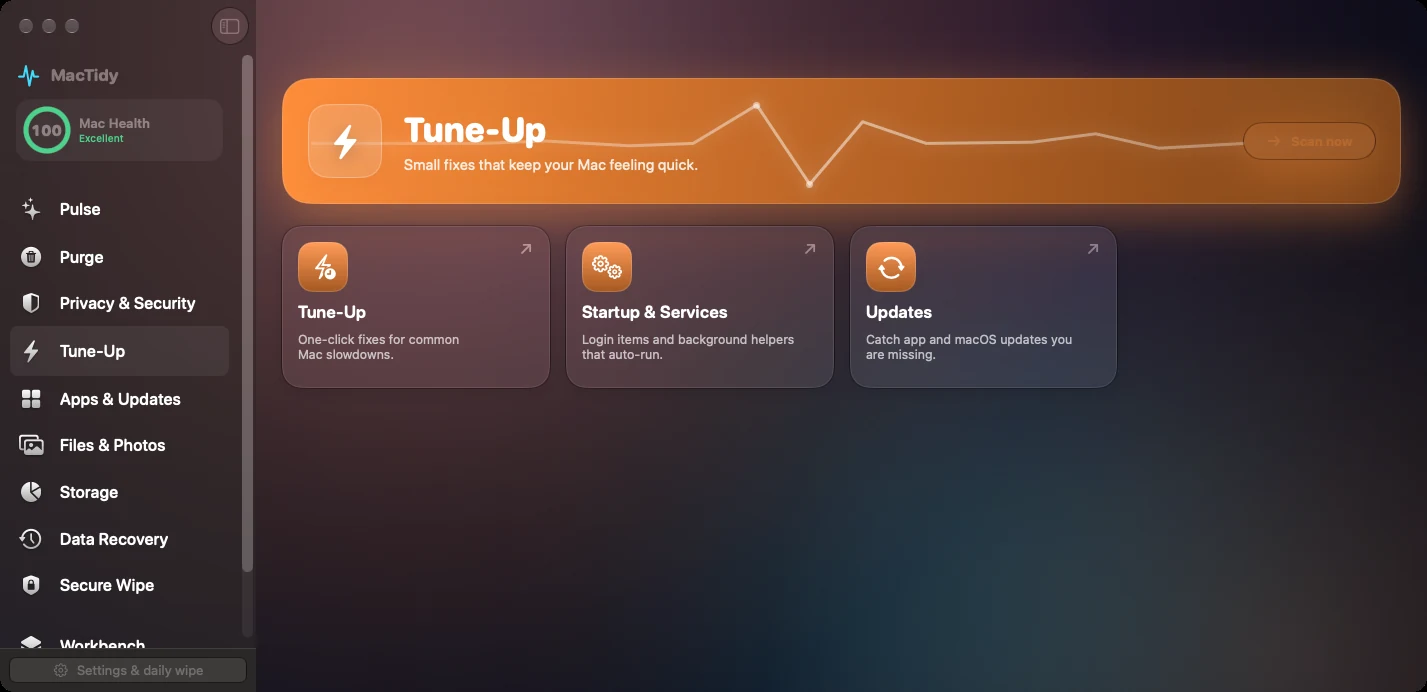 Mac tune-up
Speed up your Mac by fixing what starts and stalls
Tune up login items, background processes, memory pressure, and space issues without vague optimization rituals.
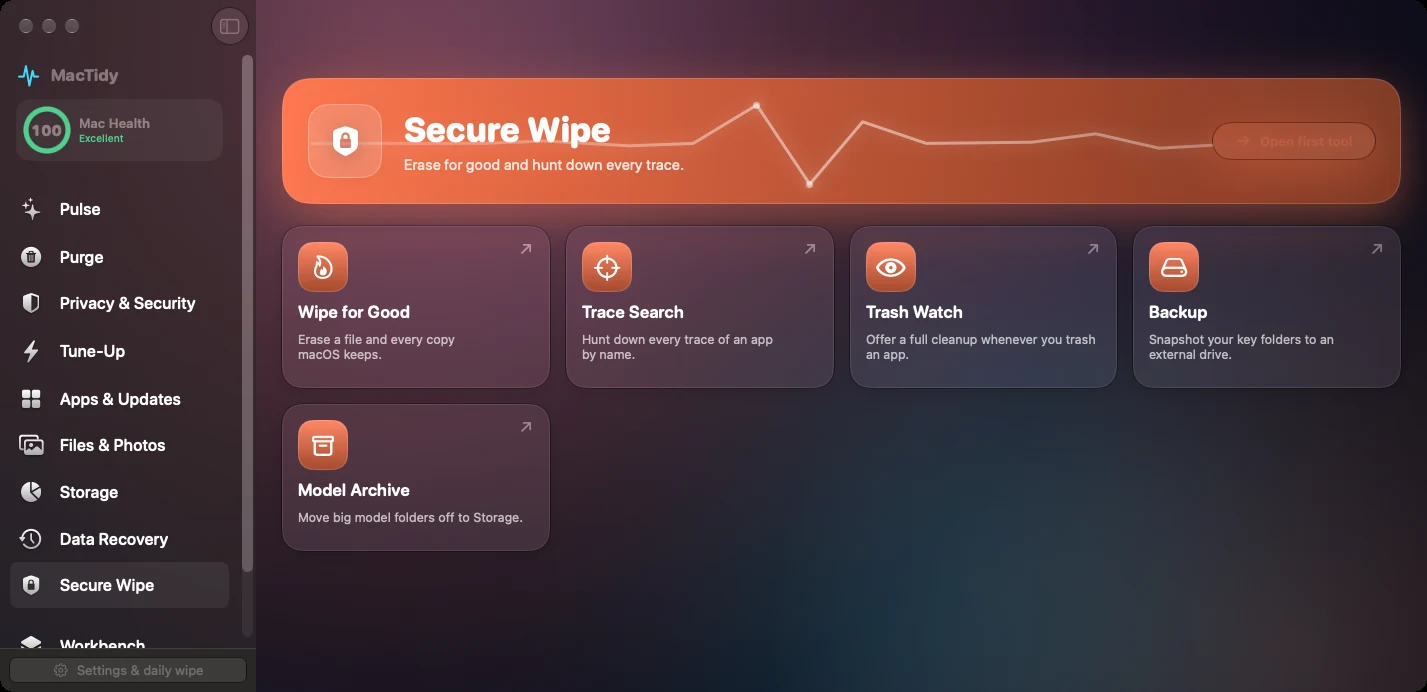 Data recovery
Recover deleted Mac files with realistic expectations
Check Trash, Time Machine, APFS snapshots, cloud history, external drives, and disk images before assuming a file is gone.
Secure delete
Securely delete Mac files when recovery should not be possible
Use permanent deletion only when you mean it, with stronger warnings than ordinary Trash cleanup.
 Developer cleanup
Clean Homebrew, Xcode and developer caches on a Mac
Review DerivedData, simulator data, package-manager caches, Docker, Playwright, build output, and model caches by rebuild cost.
FAQ
Common questions
Is MacTidy a Mac cleaner?
Yes. MacTidy is a Mac cleaner that finds caches, logs, old downloads, app leftovers, duplicate files, and large files. It shows the list before it removes anything.
Can MacTidy help with Mac malware?
MacTidy can run an on-demand malware scan, review login items, inspect suspicious locations, and compare files against known malware fingerprints. It is not a replacement for every real-time antivirus workflow.
Does MacTidy send my files to the cloud?
File scanning, cleanup review, and malware checks do not upload your files. Optional AI analysis can send selected paths, labels, sizes or privacy text to the AI endpoint you configure, including a LAN or remote endpoint.