 MacTidy
Guide / clear Mac cache
How to clear Mac cache files safely
Learn which Mac cache files are safe to clear, which ones to leave alone, and how MacTidy shows cache paths before cleanup.
Sources checked: Apple free up storage, Apple Safari history and website data, and MacTidy features.
Caches are working storage, not trash by default. Apps keep thumbnails, compiled code, web data, package downloads, previews, and temporary results so they do not have to fetch or rebuild the same thing every time. Clearing the right cache can free space or fix stale behavior. Clearing every cache because it exists can waste time and make your Mac rebuild useful data.
Know the main cache types
Browser caches hold website assets and cookies. App caches live mostly under your user Library and can include previews, media, and downloaded helper files. Developer caches include Xcode DerivedData, simulator data, package-manager downloads, and build output. System caches are more sensitive and usually deserve less attention than user caches. Apple points users toward Storage settings and app-level controls because those paths are safer than random deletion inside hidden folders.
Manual cache cleanup that stays non-destructive
Quit the app whose cache you want to clean. If the app is open, it may recreate files while you are deleting them.
Use the app's own setting first. Browsers, Mail, developer tools, and media apps often have a built-in clear, clean, or remove-downloads command.
For Safari, clear history and website data from Safari settings when the problem is stale web content or privacy residue.
Move suspiciously large cache folders to Trash instead of permanent deletion, then reopen the app and make sure it still behaves normally.
The safest cache target is a folder you can associate with a specific app and rebuild. The riskiest target is a folder whose purpose you cannot explain. If you cannot tell what owns a cache, leave it alone until a storage map or app documentation gives you better context. If storage pressure comes back immediately after cleanup, the cache is probably active working data, and the better fix is changing the app setting that keeps filling it.
Use MacTidy for the review list
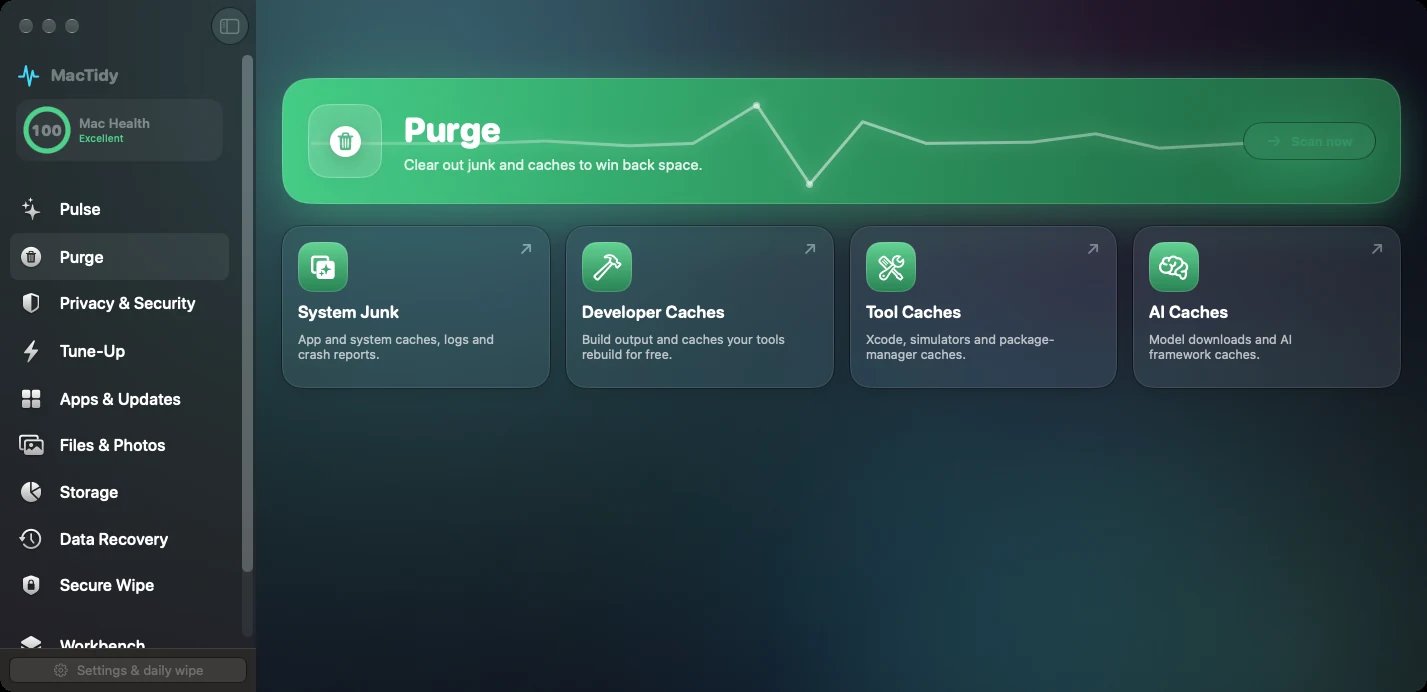
MacTidy scans cache-heavy locations and shows paths, sizes, categories, and selection state before cleanup. That matters because a 4 GB browser cache and a 4 GB project cache mean different things. One may only cost a slower page load; the other may force a full dependency reinstall or rebuild. MacTidy's job is to put those candidates in one list so you can choose by evidence.
Use the System and Developer areas differently. In System cleanup, selected caches and logs are usually routine. In Developer cleanup, caches can be large but tied to active work. DerivedData, Playwright browser downloads, package-manager caches, Docker layers, and simulator runtimes can be rebuilt, but sometimes only after a long install or a network download. Keep anything tied to a project deadline unless the savings justify the rebuild.
Cache cleanup limits
Deleting caches will not fix every storage problem. Photos libraries, iOS backups, virtual machines, local iCloud copies, and app support databases may be much larger. Cache cleanup also will not remove malware by itself, recover deleted files, or uninstall apps completely. Treat it as one practical maintenance step, not a cure-all.
Good rule. If deleting something would surprise you tomorrow, put it in Trash first and wait. If an app rebuilds it cleanly, empty Trash later.
Related guides
For broader cleanup, read the Mac disk cleanup guide. For developer-specific caches, use Mac developer cleanup. If caches are not the real issue, a storage analyzer can show the larger folders.
FAQ
Can I delete everything in a cache folder?
Many user caches rebuild, but deleting everything blindly can slow apps or remove offline content. Review the owner, size, and purpose first.
Will cache cleanup make my Mac faster?
Sometimes it fixes stale data or frees disk space, but it can also make apps slower the next time they rebuild their cache.
Should I clear browser cache or history?
Clear website data when pages are broken or you want to remove local browsing traces. Keep history if you rely on it for recall.
How does MacTidy decide what to show?
MacTidy scans known cleanup locations, groups candidates by category, and shows path and size so you can review before deleting.