 MacTidy
Apps & Updates
Uninstall Mac apps cleanly and keep the rest current.
Dragging an app to the Trash can leave support files, launch agents, caches, preferences and receipts behind. MacTidy's app service area gathers uninstalling, app leftovers, updates, Homebrew, universal binaries and install receipts.
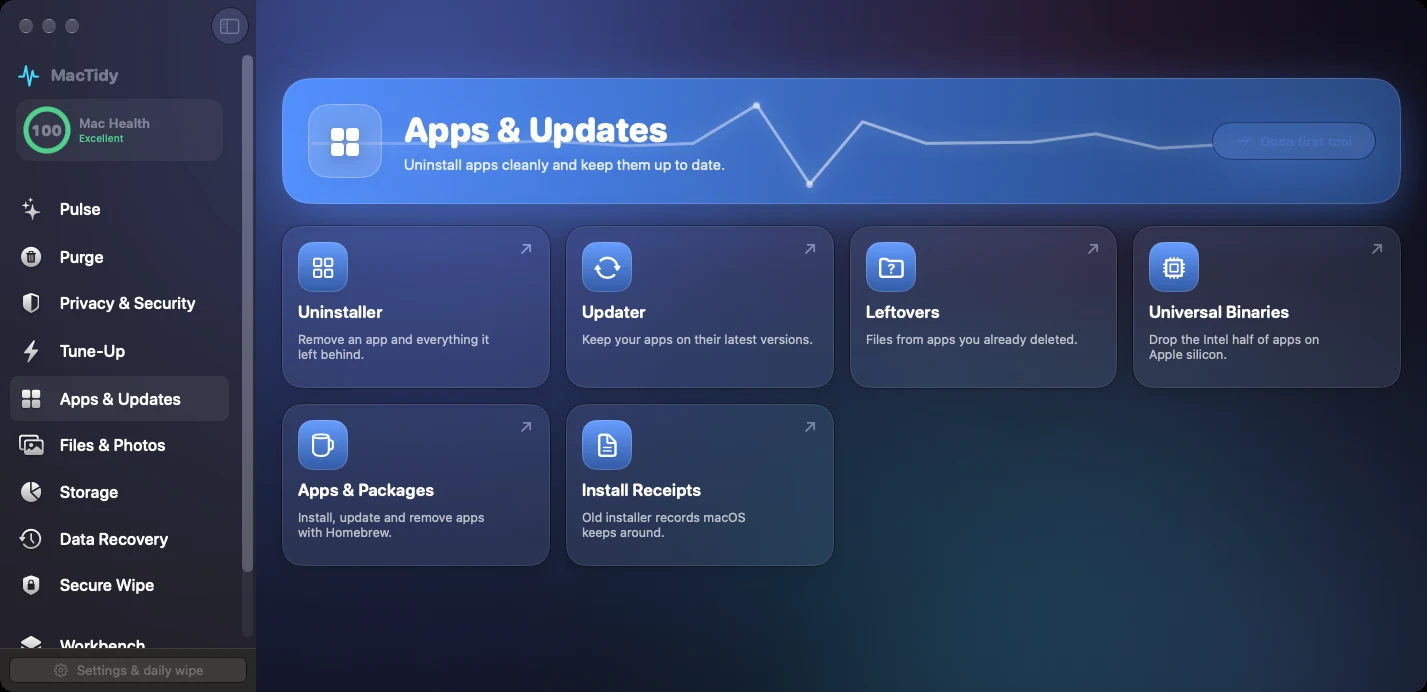
Uninstaller
Select an app and review related files before removal. The goal is app cleanup with context, not a blind "remove all" button.
Leftovers
Orphan scans look for Library folders and preference files whose parent app is no longer installed. Nothing is checked for you by default.
Updates
MacTidy can check Homebrew formulas, Homebrew casks, Mac App Store apps and macOS updates, then list installable updates separately.
Why app cleanup matters
Apps often install helpers that launch at login, write preferences, cache downloads and register receipts. Removing the visible app bundle may leave those pieces in place.
Use this service after trying a new utility, replacing a VPN, removing old device software, or cleaning up an Apple silicon Mac where universal binaries may carry code slices you do not need.
Apps FAQ
Can MacTidy uninstall App Store apps?
It can help remove the app bundle and related local leftovers where macOS permits. Purchases, account state and App Store licensing remain under Apple's systems.
What are universal binaries?
Universal binaries can contain code for both Intel and Apple silicon Macs. MacTidy can identify opportunities to thin binaries on Apple silicon when that is safe for the installed app.