 MacTidy
Purge · Mac cleanup
Clean my Mac without guessing what will disappear.
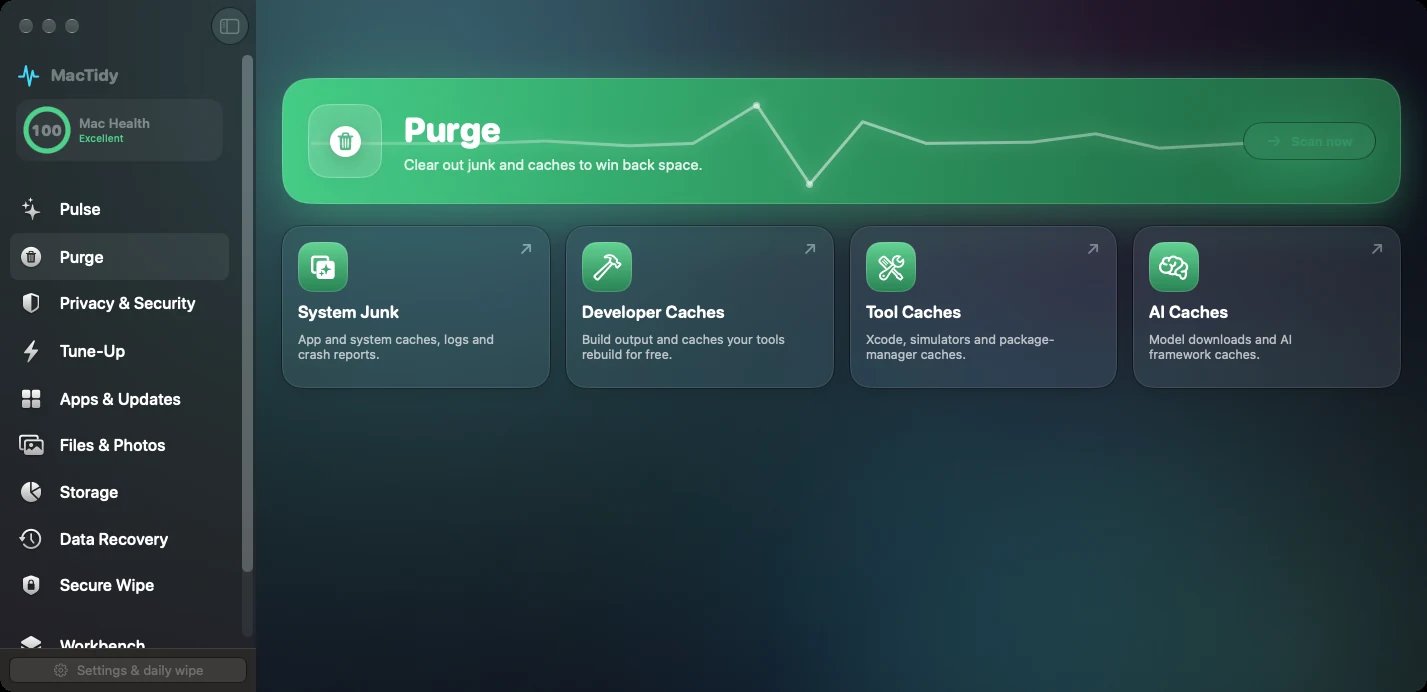
Purge focuses on clutter your Mac or tools can usually rebuild: app caches, system caches, logs, crash reports, Mail downloads, stale installers, developer build output, package caches and AI framework caches.
What it removes
MacTidy checks system junk, project caches, tool caches, AI caches, old backups and large model folders as separate cleanup areas. Personal data is left for review instead of being selected automatically.
When to use it
Use Purge when storage is low, Xcode and package tools have grown huge, downloads are stale, or AI caches have quietly taken over your disk.
Review-first workflow
MacTidy lists names, sizes and descriptions before cleanup. You can untick anything you want to keep.
Mac disk cleanup for real working folders
Developer caches can be different from ordinary junk. MacTidy treats build output, simulator data, package manager caches and model downloads as separate cleanup lanes because deleting the wrong thing can cost time even when it is technically rebuildable.
A useful Mac cleanup starts with knowing which files are temporary, which files are personal, and which files belong to tools that will download them again.
Purge FAQ
Does Clean My Mac delete documents or photos?
Its cleanup checks focus on caches, logs, crash reports, leftovers and rebuildable tool output. Personal files are handled in Files & Photos or Storage Map where preview and review matter more.
Can MacTidy clean Xcode and Homebrew caches?
Yes. MacTidy separates developer caches, Xcode and simulator caches, package manager caches, Homebrew cache and unused dependencies.