 MacTidy
Data Recovery
Recover deleted Mac files when macOS still has something to recover.
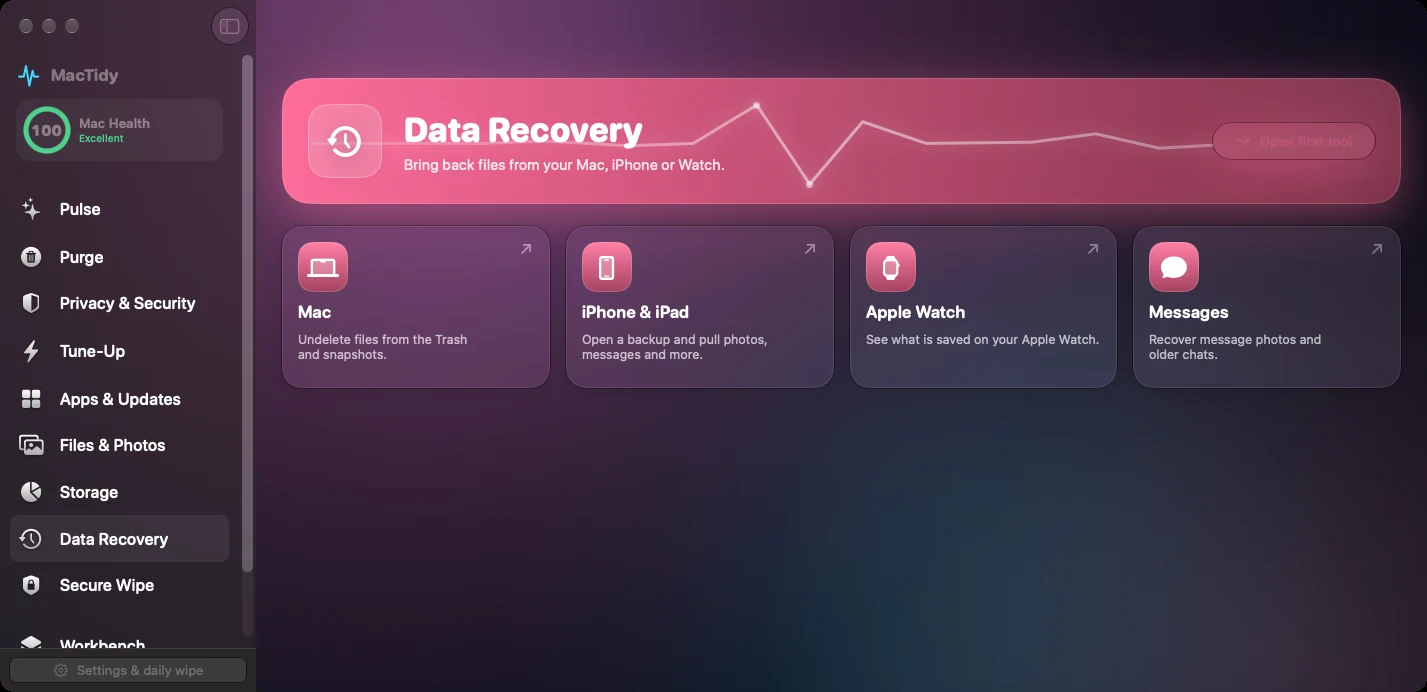
MacTidy's recovery tools inspect the Trash, APFS local snapshots, selected disk images or drives, iPhone and iPad backups, and Apple Watch data stored inside paired iPhone backups.
Mac recovery
Mac recovery reads Trash locations, APFS local snapshots and can mount snapshots read-only so you can copy files back.
iPhone and iPad
Connected, unlocked, trusted devices can be backed up with libimobiledevice tools. Encrypted backups require the backup password.
Apple Watch and Messages
Watch data lives in the paired iPhone backup. Messages recovery can read backup data where available and authorized.
Recovery depends on timing
No app can promise every deleted file will come back. Recovery depends on whether the file is still in Trash, present in a snapshot, still recoverable from free space, or preserved inside a device backup.
If the file matters, stop writing to the affected drive, avoid installing large apps on it, and try recovery quickly. MacTidy uses native macOS tools where possible and keeps snapshot browsing read-only.
Recovery FAQ
Can MacTidy recover files after the Trash was emptied?
Sometimes. APFS local snapshots or carving from a selected source may help, but overwritten data cannot be recovered by software.
Can it recover iPhone data without the phone?
It can inspect an existing local backup if you choose it and provide any required password. Creating a fresh backup requires a connected, trusted device.