 MacTidy
Mac Privacy
See which apps can reach your private Mac data.
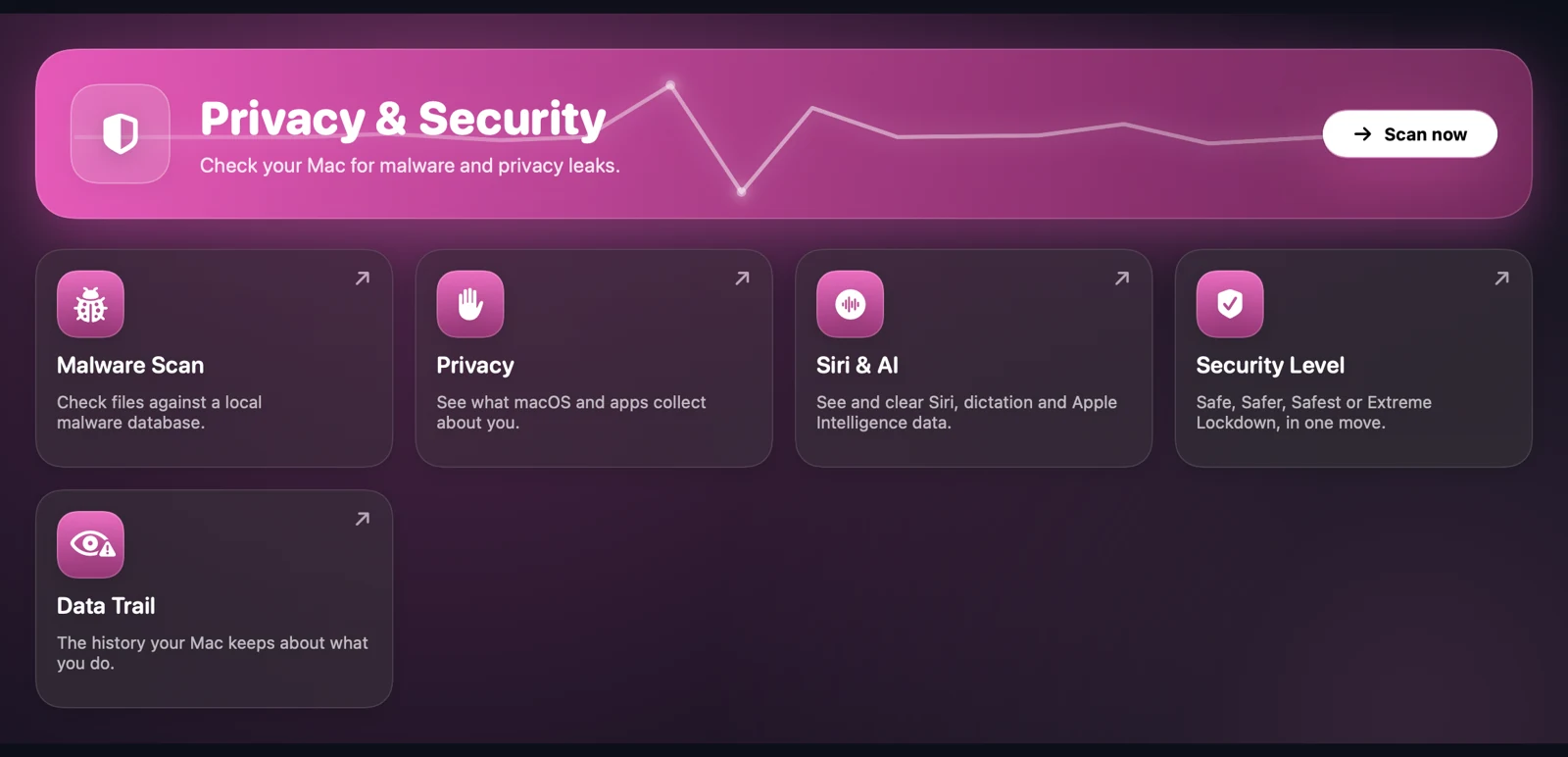
Mac privacy starts with visibility. MacTidy helps review sensitive app permissions, local personal-data stores, clipboard contents, voice recordings, analytics logs and the "data trail" macOS keeps as you work.
Permission access
Review grants for camera, microphone, location, screen recording, accessibility, Photos, automation, folder access and Full Disk Access.
Local records
Inspect downloads, Spotlight metadata, Wi-Fi networks, browser history, shell history, recordings and analytics reports where macOS permits access.
Cleanup choices
Clear the clipboard, remove selected recordings or logs, revoke permissions where macOS allows it, and open the exact Settings pane where manual review is required.
Why review Mac privacy settings?
Permission prompts are easy to approve in the moment and easy to forget later. A privacy review shows whether an old meeting app still has camera access, whether a utility can record the screen, or whether a helper has broad disk permissions it no longer needs.
Apple documents these controls under Privacy & Security settings on Mac. MacTidy keeps that boundary intact: it can show and reset some grants, and it opens System Settings when macOS requires the user to make the change.
Mac Privacy FAQ
Can MacTidy revoke every privacy permission?
No. macOS decides which permissions an app can reset directly. MacTidy can guide you to the correct Settings pane when a permission must be changed manually.
Does MacTidy upload my privacy report?
Privacy scans and reports run locally. If you enable optional AI, selected summaries or excerpts are sent to the model endpoint you configure; use a local endpoint to keep that AI traffic on your Mac.