 MacTidy
Private OS
A practical way to think about a more private Mac.
Private OS is an educational concept, not a separate operating system and not an OS installation service. It means configuring macOS so fewer apps have sensitive access, stronger protections are enabled, and local data trails are easier to review.
Privacy boundaries
Review camera, microphone, screen recording, location, Photos, automation and Full Disk Access grants.
Security posture
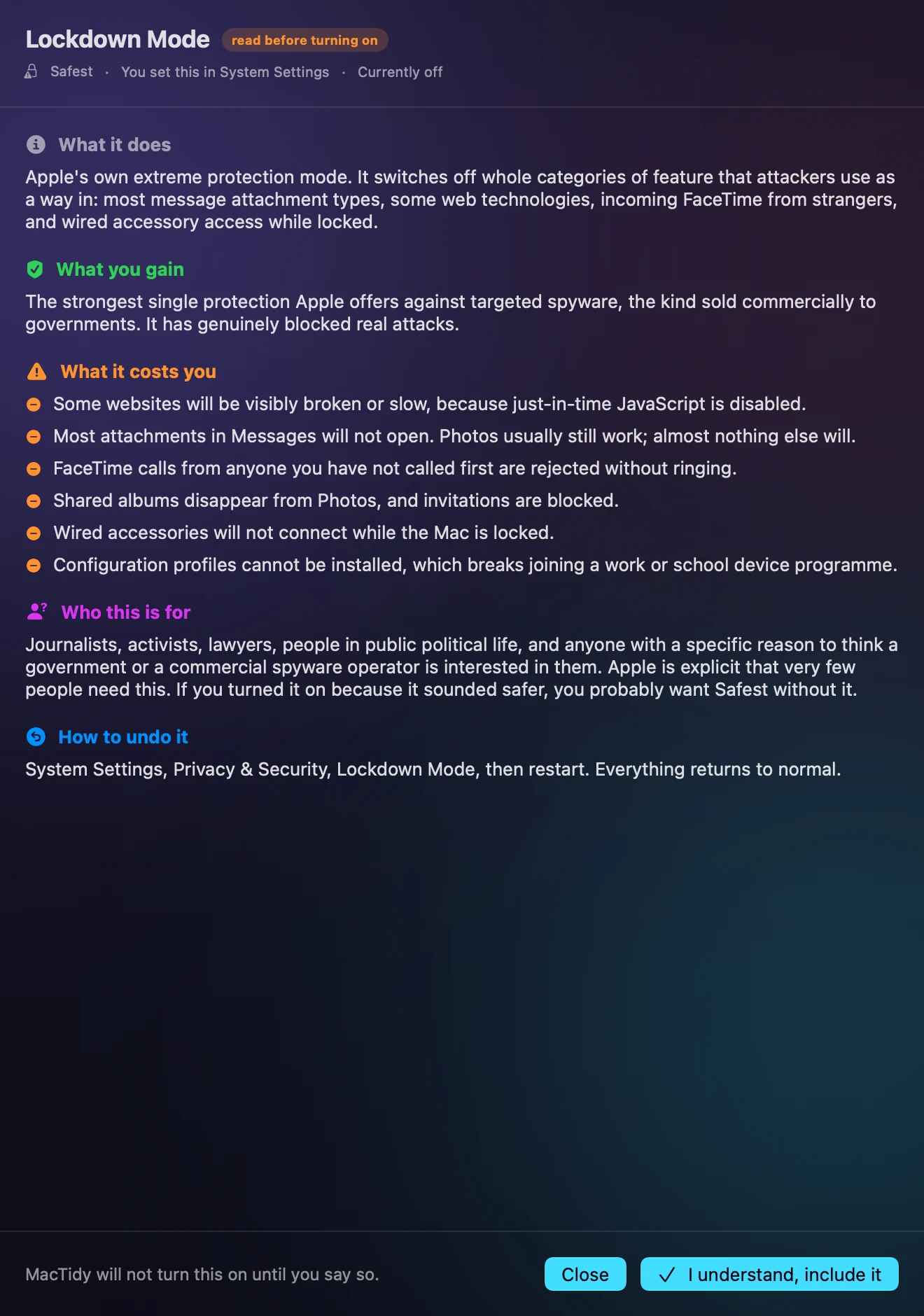
Check FileVault, firewall, Gatekeeper, System Integrity Protection, automatic updates and optional Lockdown Mode guidance.
Data trails
Inspect downloads, Spotlight metadata, Wi-Fi networks, browser history, shell history, analytics logs and local recordings where macOS permits.
What "Private OS" means here
A private Mac is not a product you install once. It is a set of choices: fewer standing permissions, encrypted storage, current software, less unnecessary sharing, clearer browser privacy and fewer forgotten local records.
Apple's current privacy and security guidance covers tools such as Privacy & Security settings, iCloud Private Relay and Lockdown Mode. For source details, see Apple's pages on Mac Privacy & Security settings, iCloud Private Relay and Lockdown Mode.
Private OS FAQ
Is Private OS a separate operating system?
On this site, Private OS describes a privacy-first macOS configuration and maintenance routine.
Do I need Lockdown Mode?
Most people do not. Apple describes Lockdown Mode as an extreme optional protection for people who may be targeted by sophisticated attacks. MacTidy explains the tradeoff and links you to Apple's setting.