 MacTidy
Mac Privacy & Security
Secure my Mac and see which apps can reach private data.
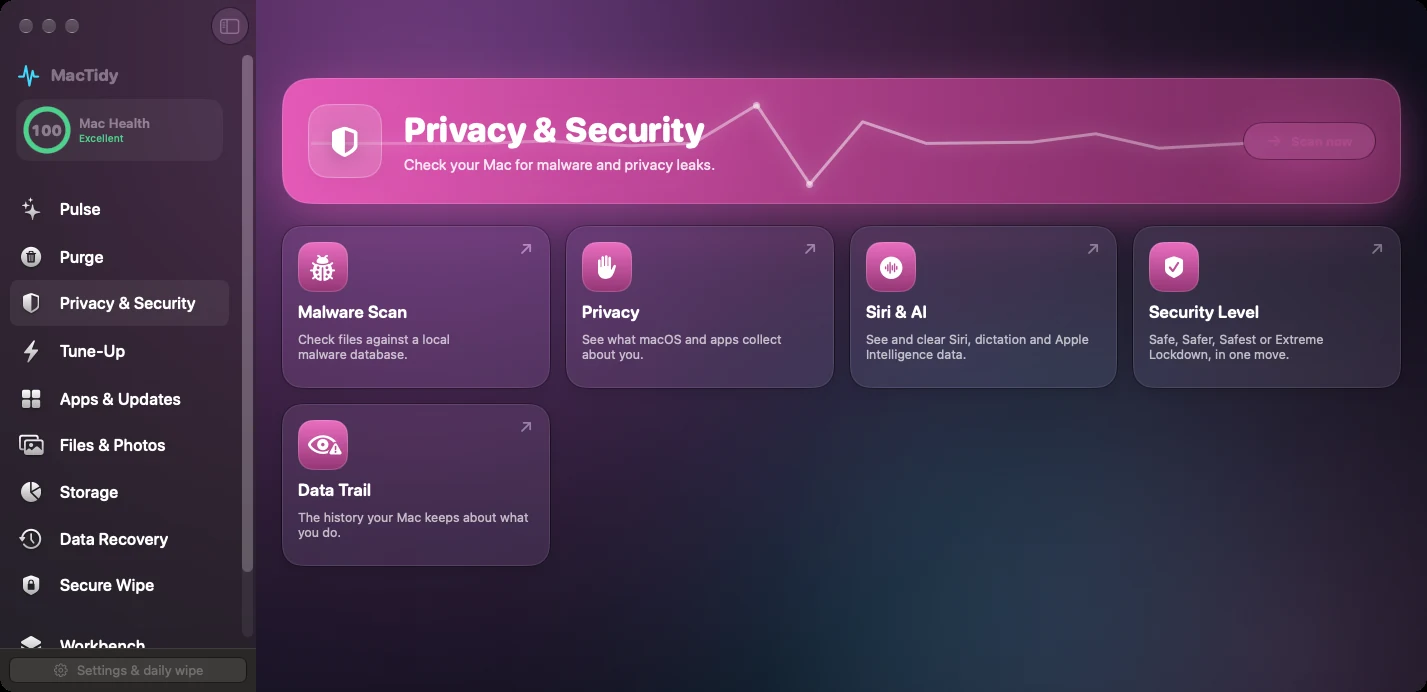
This service area combines Mac privacy cleanup, app permission review, malware signal checks, security hardening and data-trail visibility. It gives you a practical way to review sensitive access, tighten core protections and understand what your Mac is already storing locally.
Protection checks
MacTidy reads FileVault disk encryption, application firewall, Gatekeeper, System Integrity Protection and pending macOS updates, then links to settings where macOS controls the change.
Privacy permissions
It reviews sensitive grants such as camera, microphone, screen recording, accessibility, Full Disk Access, automation, location, Photos and folder access.
Local malware scan
The on-demand malware scan checks persistence locations, recent downloads, signatures, notarization, suspicious locations and optional local hash definitions.
Why Mac privacy needs a periodic review
macOS protects private resources through permission prompts, but old grants can outlive the moment you trusted an app. MacTidy turns that into a readable list: which apps can see your screen, microphone, location, photos, documents or full disk.
Apple documents key security controls such as the macOS firewall, Privacy & Security settings and Lockdown Mode. MacTidy uses those boundaries instead of pretending it can bypass them. Read Apple's guides for macOS firewall security, Privacy & Security settings on Mac and Lockdown Mode.
Mac privacy FAQ
Can MacTidy turn on every security feature for me?
It can check and toggle several local controls with macOS authorization, such as firewall settings, stealth mode, Remote Login, Remote Management, Guest account, screen-lock timing and automatic security updates. Features like Lockdown Mode and Advanced Data Protection are guided through Apple settings.
Is the malware scan a replacement for antivirus?
No. It is an on-demand local check of known hashes, persistence locations, signatures, notarization status and suspicious locations. It is useful as part of a Mac security review, not as a promise that every threat is gone.