 MacTidy
Tune-Up
Speed up a Mac by checking what is running and what starts itself.
Tune-Up is for slow boots, noisy fans, beachballs and the feeling that too many background helpers are awake. It gathers quick fixes that do not delete personal files.
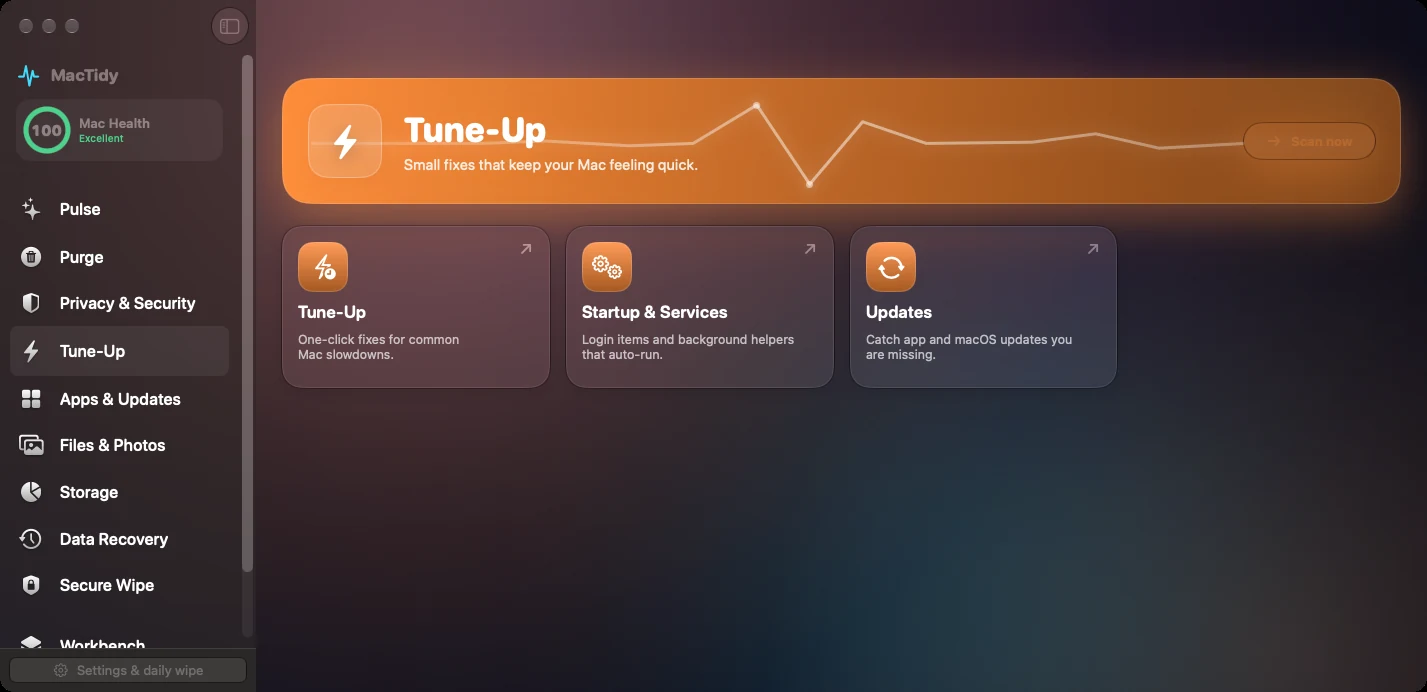
Startup and services
MacTidy scans launch agents, daemons and login items. Missing programs can be flagged, while active services stay visible for review.
Running apps
The Running Apps view shows open apps, frozen apps and memory impact so you can close the right thing instead of restarting blindly.
Updates
The update checker checks Homebrew packages, Homebrew apps, Mac App Store apps and macOS update availability where tools are present.
When Tune-Up helps
Use Tune-Up after installing menu bar utilities, developer tools, VPNs, sync clients or old printer software. These often install background helpers that continue to run after you forget why they were installed.
Tune-Up will not make old hardware new. It helps remove avoidable friction: unnecessary startup tasks, stale services, update gaps and stuck apps.
Workflow
Scan services, review anything marked missing or unexpected, check updates, then use Vitals to confirm memory and CPU behavior after changes.
Tune-Up FAQ
Will Tune-Up delete my files?
No. The Tune-Up check focuses on common macOS fixes and resources. File deletion belongs to Clean My Mac, Files & Photos or Secure Wipe, where review is explicit.
Can it stop every background service?
No. Some services are part of macOS or required by installed apps. MacTidy helps identify and review them, then uses macOS-supported controls where removal or disabling is appropriate.