 MacTidy
Workbench
Every Mac cleanup, security, privacy and recovery tool in one place.
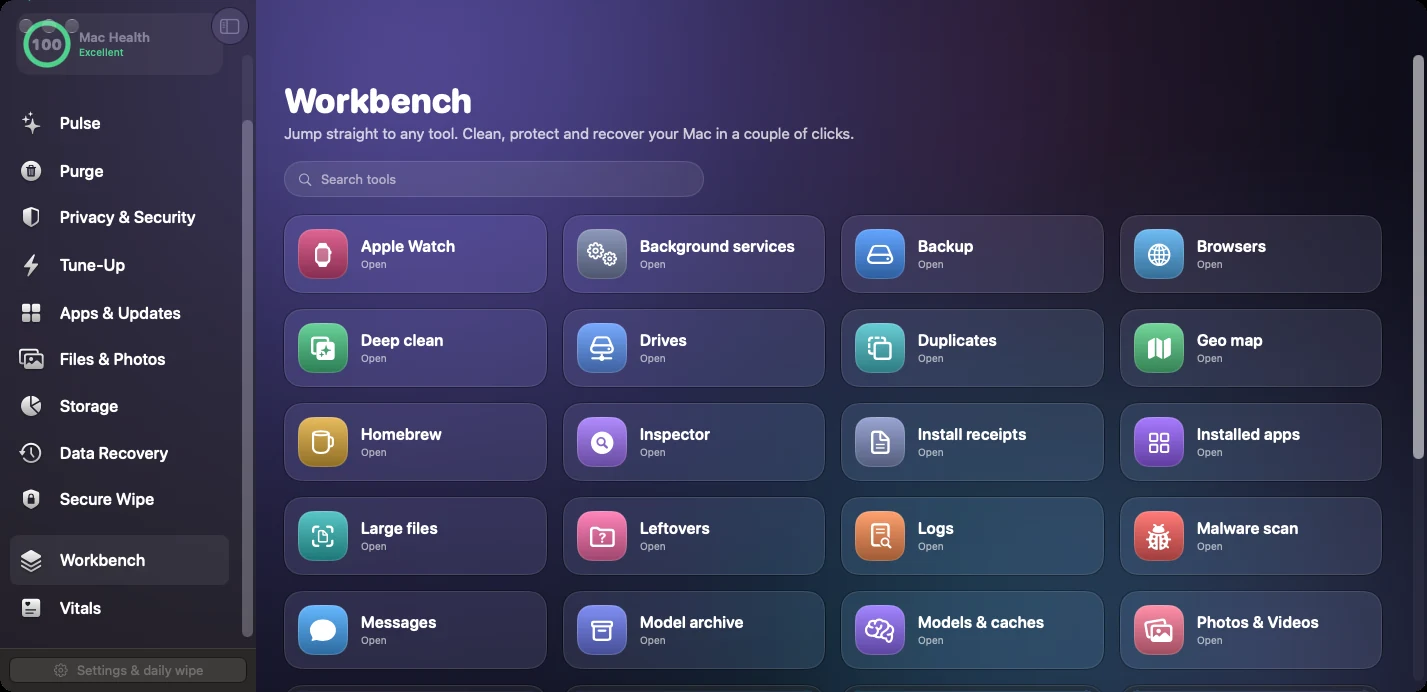
Workbench is the power-user view. If you know the exact MacTidy tool you need, search the grid and open it directly instead of navigating by category.
For technicians
Open specialized modules such as Trace Search, Receipts, Background Services, Logs, Drives, Browsers and Inspector from the same screen.
For repeat workflows
If your weekly routine is Pulse, Clean My Mac, Updates and Storage Map, Workbench makes that rhythm fast.
For discovery
Find smaller utilities that help with a specific cleanup or diagnostic task.
Why Workbench exists
Major tabs are helpful for everyday users. Workbench is for the moment when a specific task matters: inspect logs, find install receipts, review browsers, archive models, check drives or open privacy permissions directly.
Use it when you already know which tool you need. Everything is visible, searchable and tied back to the same review-first behavior.
Related service pages
Vitals, Storage Map, Mac Privacy & Security and Secure Wipe are common Workbench destinations.
Workbench FAQ
Is Workbench only for advanced users?
No. It is just a direct route. New users may prefer the major service pages; returning users often prefer the grid.
Does Workbench change how tools behave?
No. Opening a tool from Workbench uses the same checks, permission prompts and review screens as opening it from a category.