 MacTidy
Files & Photos
Find the files that actually move the storage needle.
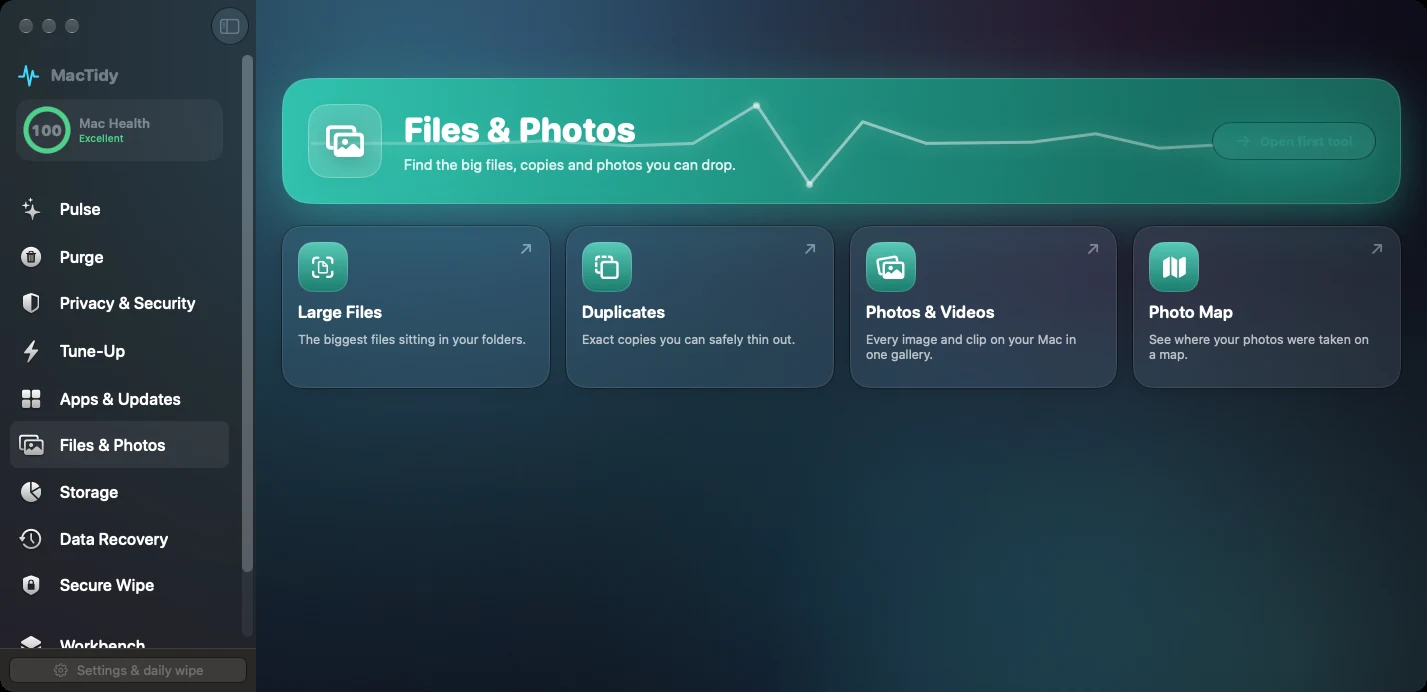
Files & Photos helps with large files, exact duplicates, pictures, videos and photo location metadata. It is for the part of "clean my Mac" where filenames alone are not enough.
Large files
MacTidy scans personal folders such as Downloads, Documents, Desktop, Movies, Music and Pictures for the biggest files, leaving the decision to you.
Duplicates
Duplicate detection is based on content hashes, so it can identify exact copies instead of relying only on names.
Photos and videos
The photo cleanup tool searches folders, Photos library locations, hidden places and app caches, then shows previews and metadata.
Why photos need special care
Images and videos can reveal more than file size. They may include location metadata, device details and copies tucked into app caches. MacTidy lets you inspect what was found before moving anything to the Trash.
The Geo Map area uses photo metadata to show where images were taken. That is useful for discovery, and it is also a reminder to remove location data before sharing sensitive photos.
Files FAQ
Does MacTidy pick duplicate files automatically?
The duplicate finder groups exact copies and offers extra copies for review. You should still confirm what to keep, especially in project folders and photo collections.
Can it scan external drives?
The pictures view can include mounted external or secondary drives where available, and the drives area lists mounted volumes. Access still depends on macOS permissions.